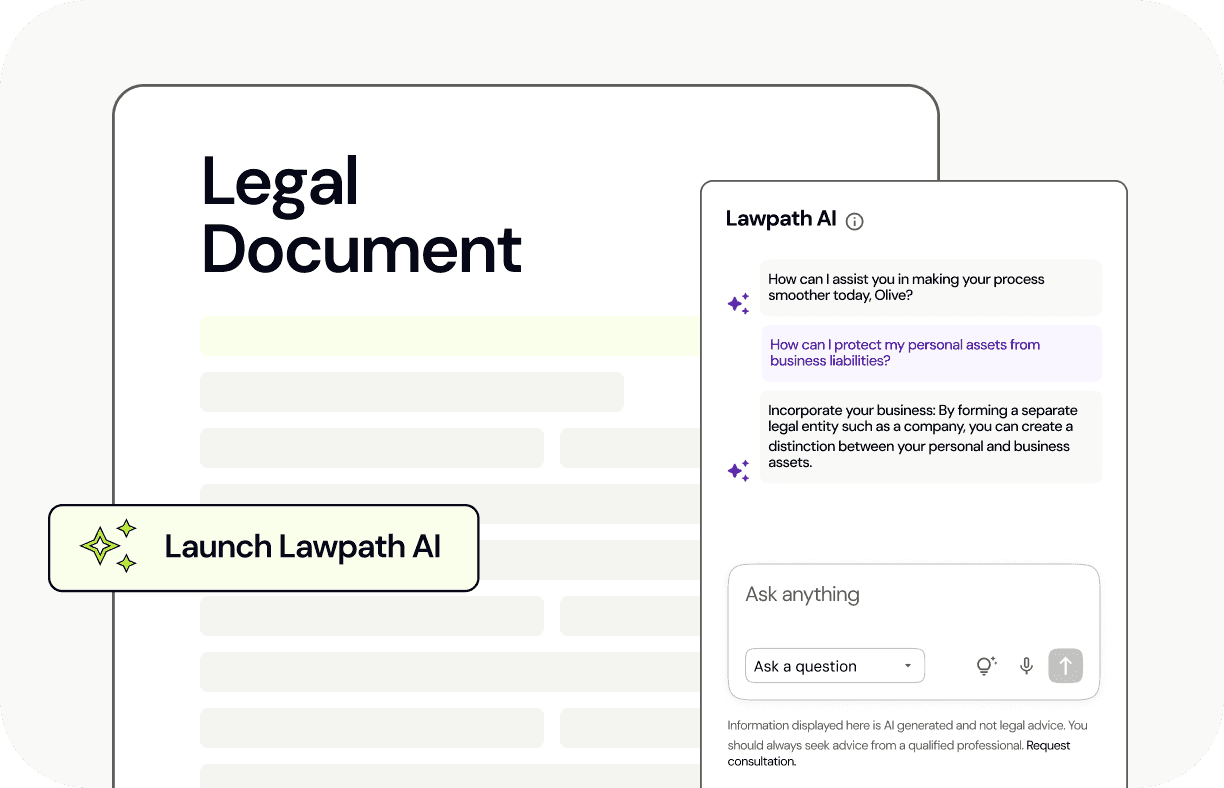
2020 has gotten off to a busy start, and we’ve wasted no time developing new features. Along with adding new legal documents every month, we also want the experience of creating documents to be simple and interactive. What better way to do this than to let our users send their documents to others for signing with an eSignature sharing tool?
Introducing eSignature sharing
Our eSignature sharing tool is a huge leap forward in our legal document creation process. You can now customise and eSign your documents and send them to others to sign. Whether it’s a contract you want to send to another business or an NDA, anyone can sign. They don’t have to be a Lawpath member in order to receive the request to sign either.
Sharing your documents
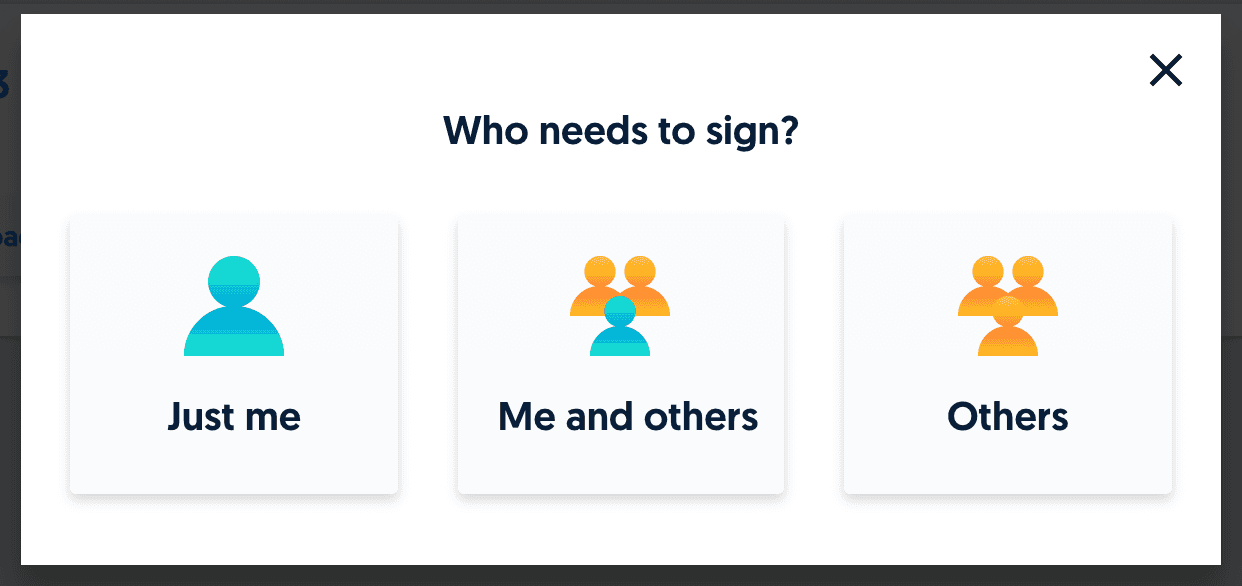
We figured there wouldn’t be any point in launching such a groundbreaking feature if it wasn’t easy to use. Just fill in the document, select the option to eSign and choose who you wish to send it to. After this, you can mark the fields of the document which need to be signed. You can add designated boxes for signature, text (such as someone’s printed name), and date.
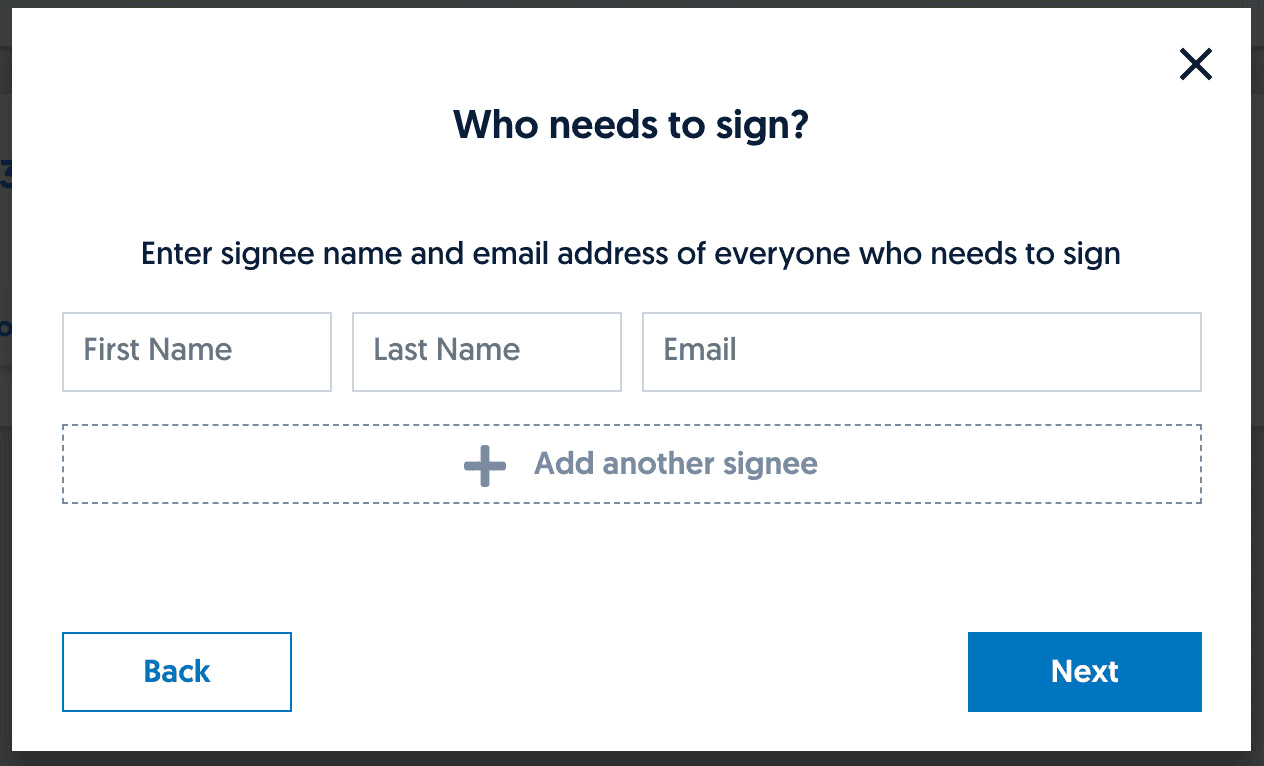
If it’s just you and one other person signing, you just fill in their name and email address. If it’s multiple signees, your intended recipients will receive an email requesting that they sign the document. Once they open the link, they will be taken to the document on our platform. A marker will indicate where their signature is required. They can sign the document by clicking ‘Add signature’ and choosing whether to draw or insert their signature in one of our pre-formatted fonts.
After this, your document will be complete and you can choose whether to keep it as a digital copy or print a hard copy for your records.
Who can sign?
Anyone with an email address and a computer. Just fill in their name and email address and your document will be sent to them. It’s important to remember that as with all signatures, eSignatures should only be used by those who have the legal authority to sign the document.
Upload your own
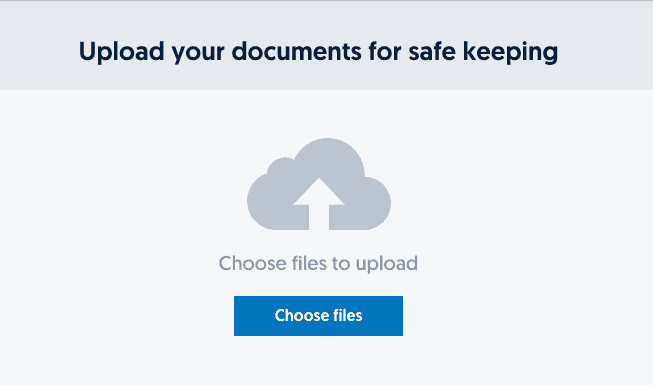
You can eSign and share documents you upload into your account. Once your document is uploaded in PDF format, you just have to name it so that your recipients knows what they are being asked to sign.
Protecting your data
We understand that users may wonder how we’ll take care of all the information contained in our platform. Our data is stored securely, and is encrypted. Another feature of our platform is that all our data is stored within Australia (not offshore), meaning that no overseas governments or businesses will ever be able to access it. You can read more about data sovereignty here.
Next steps
We’ve got a lot in the pipeline which we’ll be sharing with our users soon. In the meantime, you can follow the latest Lawpath updates on LinkedIn, Facebook and Twitter.