Anja Pich is a commercial lawyer and the Managing Lawyer at Lawpath. She practises across all areas of commercial law and advises businesses of every size, from first-time founders to established companies, on their legal, regulatory and commercial needs.
Artificial intelligence for business means using software that learns from data to handle work you’d otherwise do by hand: answering customer questions, drafting emails, sorting invoices, flagging fraud. No robots required.
Most owners land in one of two camps. Some have already pasted customer details into a free chatbot without a second thought. Others are dodging AI altogether because nobody has told them what’s allowed. Both groups need the same thing: a few ground rules, set once.
- You already use AI. Your phone assistant, your inbox spam filter and your accounting software’s bank-feed suggestions all run on it.
- Start with one task, not a strategy. The Australian Government’s advice for small business is to trial AI in one or two areas first.
- You answer for what your AI tools do. If a chatbot quotes the wrong price, that’s your promise, not the vendor’s.
- Australia has no standalone AI Act. Existing laws apply, including the Privacy Act 1988 and the Australian Consumer Law.
- Keep personal and confidential information out of public chatbots. Treat a free AI tool like a stranger you’ve just emailed.
What is artificial intelligence, in plain English?
Artificial intelligence is software that finds patterns in large amounts of data, then uses those patterns to make predictions, recommendations or new content. That’s the whole idea. The sci-fi packaging is optional.
Two flavours matter for a small business. Predictive AI sorts, scores and flags: your bank’s fraud alerts, Netflix suggestions, the spam filter in your inbox. Generative AI writes, summarises and draws: ChatGPT, Gemini, Microsoft Copilot and the assistants now baked into Microsoft 365 and Google Workspace.
You touch both every day. Siri and Alexa are AI. So is the robot vacuum, the TikTok feed and the “you might also like” box on every shopping site. Social platforms and streaming services study what you watch and click, then serve up more of it.
Where owners go wrong is assuming AI only counts when it looks futuristic. That assumption hides the risk. The feature quietly suggesting replies in your inbox is AI, which means it needs the same ground rules as the chatbot on your website.
Customise and download your first document with us for free.
Create, eSign & download 300+ important legal & business documents on our platform.
Get startedHow can AI help your business save time?
So what can you do with artificial intelligence for business on day one? Go for the boring jobs. Repetitive, rules-based, high-volume work. If a task makes you groan every Monday morning, begin there.
Customer service
Chatbots answer the repeat questions: opening hours, delivery times, how to reset a password. Your team keeps the conversations that need a human. Customers get an answer at 9pm on a Sunday, which is when many of them are actually asking.
One catch. Tell people when they’re talking to a bot. The Government’s small business guidance on AI says to be upfront when a customer is dealing with AI instead of a person.
Writing, admin and speech recognition
Dictation tools turn speech into text. Meeting assistants produce summaries and action lists. Generative tools draft the first version of an email, a quote or a job ad. Use AI for draft one. Keep yourself for the final edit.
Generative tools invent things with total confidence. Check every figure, name and legal claim before it leaves the building.
Sales and marketing
Predictive tools score leads, pick send times and personalise product suggestions. Handy, and a privacy question in disguise. Any tool that crunches customer data needs a line in your privacy policy.
Bookkeeping and finance
Software now codes bank transactions, matches receipts and flags invoices that look off. It saves hours at BAS time. It does not sign off your BAS. That’s still on you.
Security and fraud detection
AI spots odd logins and unusual payment patterns faster than any person scanning logs. It also helps the other side: phishing emails are better written than they were two years ago. Treat AI security as one layer. No tool guarantees you won’t be breached.
The legal catch behind each use
Every shortcut comes with a catch. This table shows the one to check before you switch each tool on.
| What you use AI for | Example | The legal catch |
|---|---|---|
| Customer chatbot | Answering FAQs after hours | Wrong prices or promises can be misleading conduct. Say it’s a bot. |
| Writing assistant | Drafting emails, quotes, blog posts | Whatever you paste in leaves your business. Ownership of the output is unsettled. |
| Meeting summaries | Transcribing client calls | Recording consent rules differ by state. Client confidentiality still applies. |
| Hiring tools | Ranking applicants | Bias and discrimination risk. Automated decisions face new transparency rules. |
| Lead scoring | Ranking prospects by likelihood to buy | Privacy Act obligations and a privacy policy that matches what you actually do. |
Will artificial intelligence replace your employees?
No. It changes what your team does on a Tuesday. Treat AI like a keen intern: fast, tireless and in need of supervision. Staff who check its work become more valuable. Staff who don’t become a liability.
Professional services are further down this road than most. Plenty of firms in the legal industry already use AI to speed up document review. Their lawyers still read the result.
What are the legal risks of using AI in your business?
Four risks come up again and again. None of them is a reason to avoid AI. All of them are cheaper to deal with before something goes wrong.
Privacy
Personal information stays personal information when it goes into an AI tool. The Privacy Act 1988 (Cth) applies whenever AI is used to collect, handle or generate details about an identifiable person.
Many businesses with turnover under $3 million fall outside the Act, but not all do. Health providers and businesses that trade in personal information are two examples that don’t. Don’t assume you’re exempt. Check.
Confidentiality
Free AI tools may keep what you type, and some use it to train their models. Read the data terms before you paste in a client contract, your financials or a trade secret.
Suppliers count too. If a contractor uses AI on your material, your non-disclosure agreement should say what they can and can’t feed into it.
Accuracy and misleading conduct
The Australian Consumer Law bans misleading or deceptive conduct. It doesn’t matter whether a person or a bot said it. A chatbot that promises a refund your policy doesn’t offer has made that promise on your behalf.
Who owns what AI produces
Australian copyright law is built around human authors, so purely machine-made output may get little protection. That leaves a gap if your logo, copy or code came straight out of a tool.
Close it on paper. An intellectual property agreement makes sure staff and contractors hand over what they create, with or without AI help.
Is there an AI law in Australia?
Not a standalone one. Australia has no single AI Act. Regulators apply laws that already exist: privacy, consumer protection, workplace and anti-discrimination law.
Change is on the way, though. On 10 November 2026 the Prime Minister announced that mandatory AI safety and security protections will be legislated through new AI Standards, aimed at companies building the most advanced AI models. The Commonwealth has said it intends to legislate AI standards in early 2027.
Nothing announced so far puts new duties on a business that simply uses AI tools. The detail isn’t published yet, so watch this space.
One date is much closer. From 10 December 2026, organisations covered by the Privacy Act must explain in their privacy policy when software using personal information makes, or substantially helps make, a decision that significantly affects someone. Hiring, credit and pricing decisions are the obvious candidates. If you use AI in any of those, your privacy policy needs a review this month.
What we see in Lawpath consultations
Lawpath lawyers now field AI questions every week. Three patterns repeat.
Founders name the AI product before checking the trade mark register. The logo is designed, the domain is bought, and then the name turns out to be taken. Search first. It costs nothing and saves a rebrand.
Agencies and consultants use AI to produce client deliverables, but their service agreements stay silent on it. Who owns AI-assisted work? Does the client have to be told? Silence turns both questions into disputes. A short clause answers them up front.
IT providers give AI tools access to client data without recording the risk. When something leaks, the first question is who agreed to what. A written risk acknowledgment from the client settles it before it starts.
What should you check before signing up to an AI tool?
Every tool you add to your artificial intelligence for business toolkit comes with terms and conditions. Nobody reads them. Five minutes on these questions beats a clean-up job later.
- Does it train on your inputs? Business plans often switch this off. Free plans may not.
- Where is your data stored? Overseas storage is fine in many cases, but your privacy policy has to say so.
- Can you delete it? Look for a clear retention period and a way to wipe your data when you leave.
- Who owns the output? Some vendors claim rights over what their tool produces. Rule that out first.
- Who pays when it goes wrong? Most vendor terms cap their liability at a few months of fees. Know that number before you rely on the tool for anything customer-facing.
How does legal AI work for business formation and legal documents?
Legal is where artificial intelligence for business helps most and where mistakes cost most. Business formation is the classic example. A company constitution, a contractor agreement and a shareholders agreement are all binding. Get one wrong and you find out in a dispute.
A generic chatbot will happily draft any of them. It can also invent clauses that don’t exist in Australian law, miss ones the Corporations Act requires, or ignore your actual share structure. The draft reads well. That’s the danger.
How Lawpath’s AI works
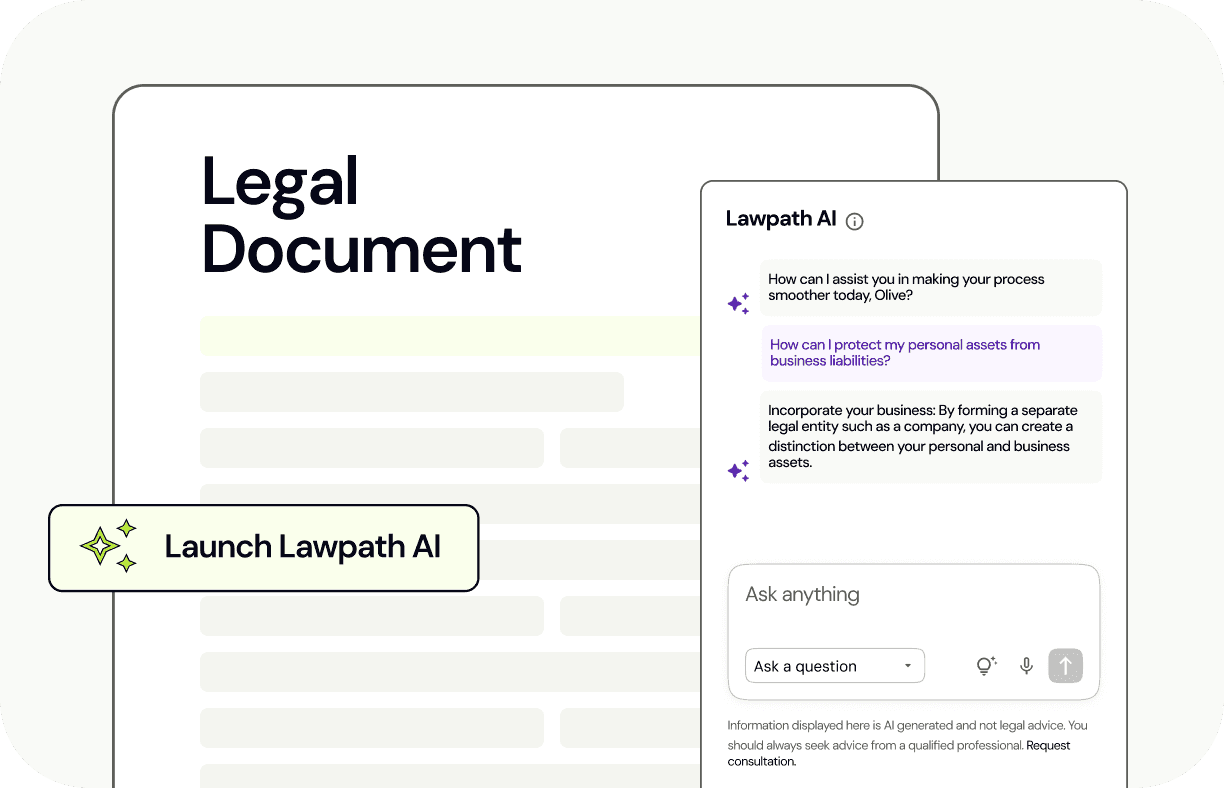
Atlas is the AI built into the Lawpath platform. It answers legal, tax, accounting and compliance questions, flags deadlines and risks, and helps you draft and edit documents in the Atlas Editor. You can start from a verified template, describe the document in plain English, or upload your own.
Atlas suggests changes and flags risks inside the document. You accept or reject each one. The templates underneath are written and maintained by Australian lawyers, and the library holds 550+ legal document templates.
Where a lawyer still comes in
AI is fastest on standard documents: NDAs, basic service agreements, workplace policies. Custom or high-stakes work, such as shareholders agreements, IP assignments and joint ventures, still deserves a lawyer’s eyes.
That’s how legal AI advisory works in practice. AI does the first pass. A human signs off the risky parts. With Lawpath you can ask a lawyer to review or amend a document when it matters.
What to look for in any legal AI tool
- Australian law, not global text. Ask what the tool is built on.
- Lawyer-written templates behind the drafts. A fluent draft with no vetted source is a guess.
- Clear data terms. Your contracts and customer details shouldn’t train somebody else’s model.
- A human to escalate to. Some documents need advice, not autocomplete.
How do you use AI in your business?
Skip the grand AI strategy. Work through these six steps in order and you’ll have artificial intelligence in your business without the chaos.
- Pick one painful task. Choose something repetitive and low-risk, such as sorting enquiries or drafting first-pass replies.
- Read the data terms. Find out what the tool keeps, who sees it and whether it trains on your inputs. Paid business plans often treat data differently from free ones.
- Write a one-page AI policy. List approved tools, banned inputs (customer details, contracts, financials) and who signs off new tools. Our guide to why your business needs a strong AI policy walks through it.
- Name one person in charge. In a five-person business that’s probably you. Say so in writing.
- Keep a simple register. A spreadsheet of every AI tool, what it’s used for and what data it touches. Include software with AI features switched on by default.
- Review after a month. Did it save time? Did it get anything wrong? Keep it, fix it or drop it.
Frequently asked questions
What is artificial intelligence for business?
Artificial intelligence for business is software that learns from data to do tasks people normally do, such as answering customer questions, drafting documents, sorting invoices or spotting fraud. It ranges from simple spam filters to generative tools like ChatGPT.
Do I need an AI policy for my small business?
No law forces you to have one, but you should. A one-page policy sets approved tools, banned inputs and who is accountable. Government guidance for small business recommends writing one down.
Is it legal to use ChatGPT for business in Australia?
Yes. No Australian law bans business use of tools like ChatGPT. You stay responsible under existing laws, including the Privacy Act and Australian Consumer Law, so check the tool’s data terms and review everything it produces.
Can I put customer information into an AI tool?
Be very careful. Customer details are personal information, and public tools may keep or reuse what you enter. Use a business-grade tool with clear data terms, tell customers in your privacy policy, and keep sensitive details out.
Who owns content created by AI?
It’s unsettled in Australia. Copyright law is built around human authors, so purely AI-generated material may carry little protection. Use contracts to say who owns AI-assisted work, and add real human input to anything you want to protect.
Do I have to tell customers I’m using AI?
Yes, when a customer would reasonably assume they’re dealing with a person. No law says “label every use”, but misleading customers is unlawful, and Government guidance advises being upfront. From 10 December 2026, covered businesses must also disclose certain automated decisions.
Will artificial intelligence replace my employees?
No. It takes over repetitive tasks and leaves people with the judgement calls. Staff still need to check what AI produces, because it states wrong answers as confidently as right ones.
What’s the cheapest way to start with AI in my business?
Check the software you already pay for. Accounting, email and design tools have added AI features. Switch one on, trial it on a single task for a month, and write your AI policy before anyone else on your team does the same.
How can AI help my business?
AI saves time on repetitive work: answering common customer questions, drafting first versions of emails and documents, coding transactions and flagging fraud. It works best on one clear task at a time, with a person checking the output.
What is Lawpath’s AI and what does it do?
Atlas is Lawpath’s AI assistant, built into the Lawpath platform. It answers legal, tax, accounting and compliance questions, flags risks and deadlines, and helps you draft and edit documents built on templates written by Australian lawyers.
How does legal AI advisory work?
AI does the first pass: it explains obligations, drafts documents and flags risks. A lawyer then reviews anything custom or high-stakes, such as shareholders agreements or IP assignments. The speed comes from AI. The sign-off comes from a person.
You’re not behind. Most small businesses are still working out where AI fits, and a one-page policy puts you ahead of plenty of them. Pick one task this week, set the ground rules, and review in a month.